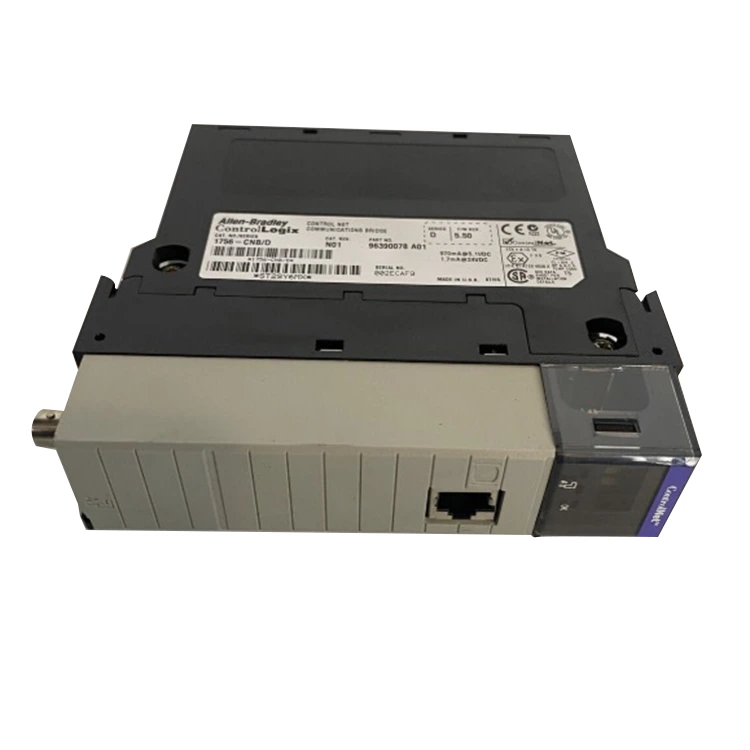

Article Abstract
The Allen Bradley 1769-IA16 is a widely used 16-point AC input module designed for CompactLogix systems in industrial automation environments. This article provides a comprehensive, practical guide to understanding, configuring, and troubleshooting the module. It addresses common user challenges such as wiring errors, signal instability, compatibility concerns, and diagnostic interpretation. Whether you are a control engineer, maintenance technician, or system integrator, this guide will help improve system reliability and reduce downtime.

The Allen Bradley 1769-IA16 is a Compact I/O module used in Rockwell Automation systems. It provides 16 channels of 120V AC digital input, allowing industrial controllers to monitor field devices such as switches, relays, and sensors.
Its compact design makes it suitable for space-constrained control cabinets, while its integration with CompactLogix controllers ensures seamless communication and scalability.
The module is engineered for industrial reliability. Below are its core specifications:
| Parameter | Description |
|---|---|
| Input Type | 120V AC Digital Input |
| Number of Channels | 16 Inputs |
| Backplane Current | Approx. 115 mA at 5V DC |
| Isolation | Optical isolation between field and logic |
| Mounting | DIN Rail Mount |
Key advantages include:
Correct installation is critical for performance and safety. Improper wiring is one of the most common causes of signal instability in the 1769-IA16 module.
Step-by-step installation overview:
Wiring best practices:
After physical installation, the module must be configured within Studio 5000 Logix Designer or similar engineering software.
Configuration workflow:
Proper configuration ensures accurate real-time monitoring of field devices and reduces false signal interpretation.
Despite its reliability, users may encounter operational issues due to environmental or wiring factors.
Common problems include:
Troubleshooting approach:
| Symptom | Possible Cause | Solution |
|---|---|---|
| No LED indication | No input voltage | Check field wiring and AC supply |
| Fluctuating input signal | Electrical interference | Improve grounding and cable shielding |
| Module fault | Backplane issue | Reseat module and verify slot configuration |
Understanding alternatives helps in selecting the right module for specific applications.
| Model | Input Type | Channels | Best Use Case |
|---|---|---|---|
| 1769-IA16 | 120V AC | 16 | Standard industrial AC input monitoring |
| 1769-IQ16 | 24V DC | 16 | DC sensor applications |
| 1769-IB16 | 24V DC sinking | 16 | Low-voltage control systems |
Routine maintenance ensures long-term stability and reduces unexpected downtime.
Recommended maintenance practices:
Preventive maintenance is especially important in harsh industrial environments where vibration, temperature variation, and electrical noise are common.
Q1: What type of devices can be connected to the 1769-IA16?
It is designed for 120V AC field devices such as mechanical switches, relays, and industrial sensors.
Q2: Can the module operate in high-noise environments?
Yes, but proper grounding and shielded wiring are required for stable operation.
Q3: Is programming required for basic operation?
Basic operation requires configuration in the PLC software, but no advanced programming is needed for input monitoring.
Q4: What causes false input readings?
Common causes include electrical interference, loose wiring, or incorrect terminal connections.
Q5: Can the module be hot-swapped?
No, system power should be disconnected before installation or removal to avoid damage.
The Allen Bradley 1769-IA16 is a robust and efficient solution for AC input monitoring in CompactLogix systems. Proper installation, accurate configuration, and regular maintenance are essential to ensure optimal performance. By following the guidelines in this article, engineers and technicians can significantly reduce system downtime and improve operational reliability.
For high-quality automation components and professional technical support, Feimu provides reliable sourcing solutions tailored to industrial needs. Feimu contact us for product consultation, pricing details, and technical assistance to ensure your automation systems operate at peak efficiency.