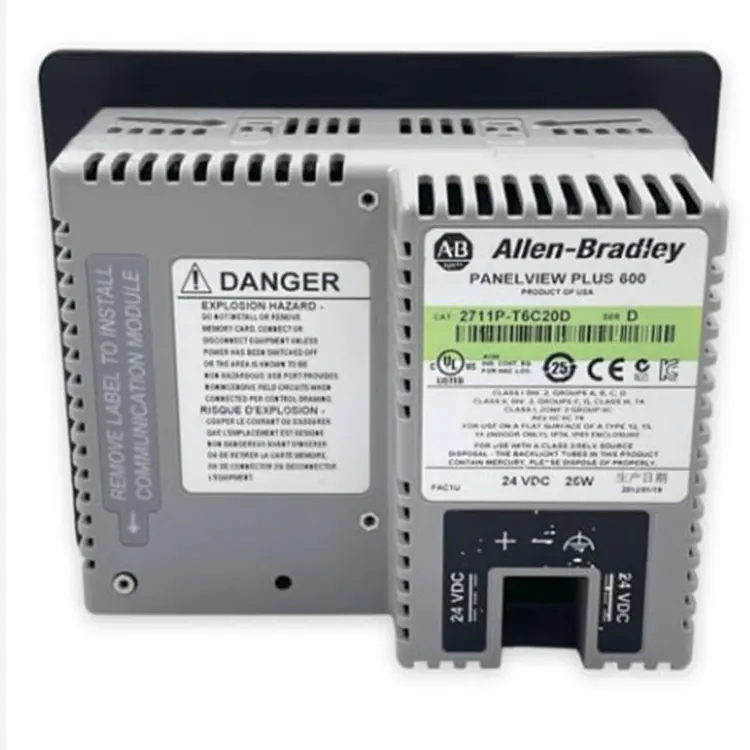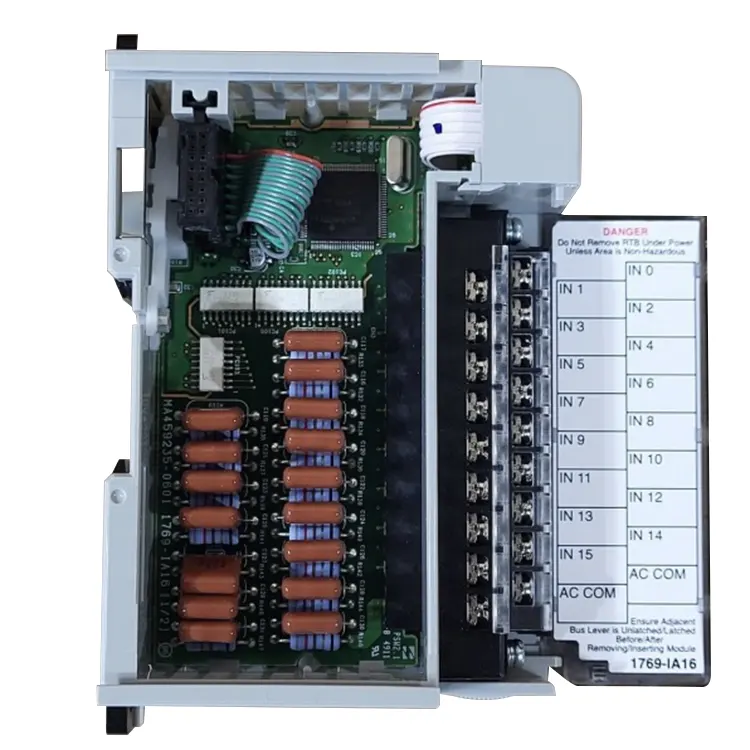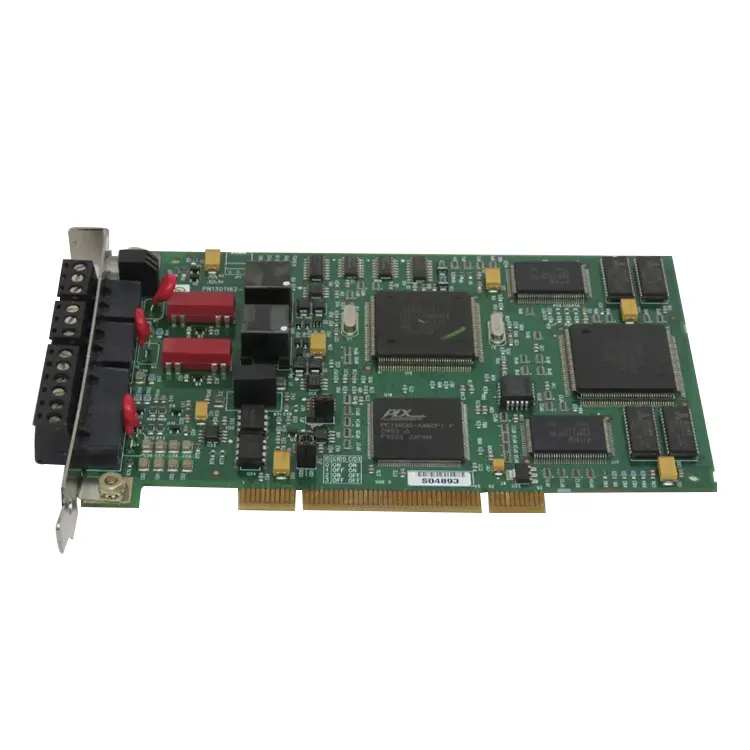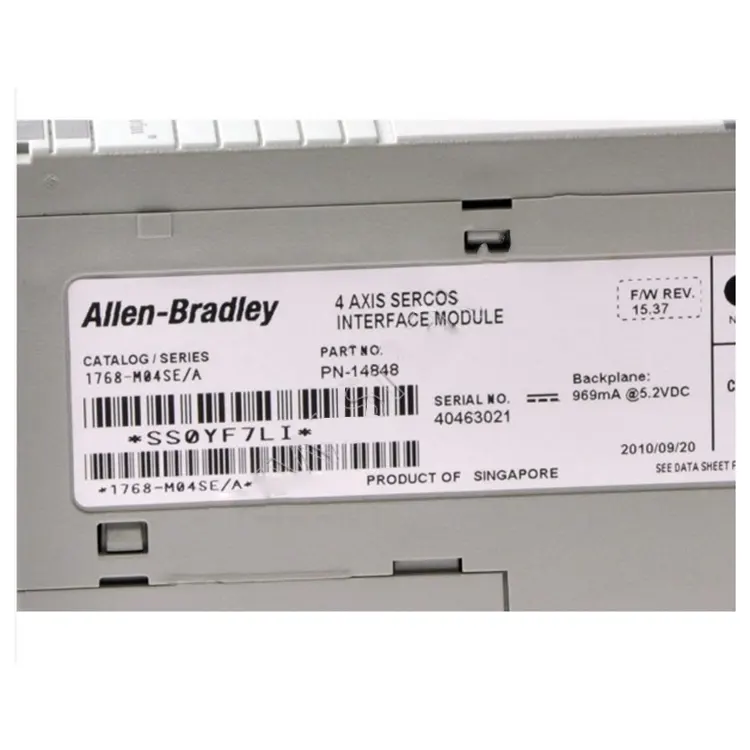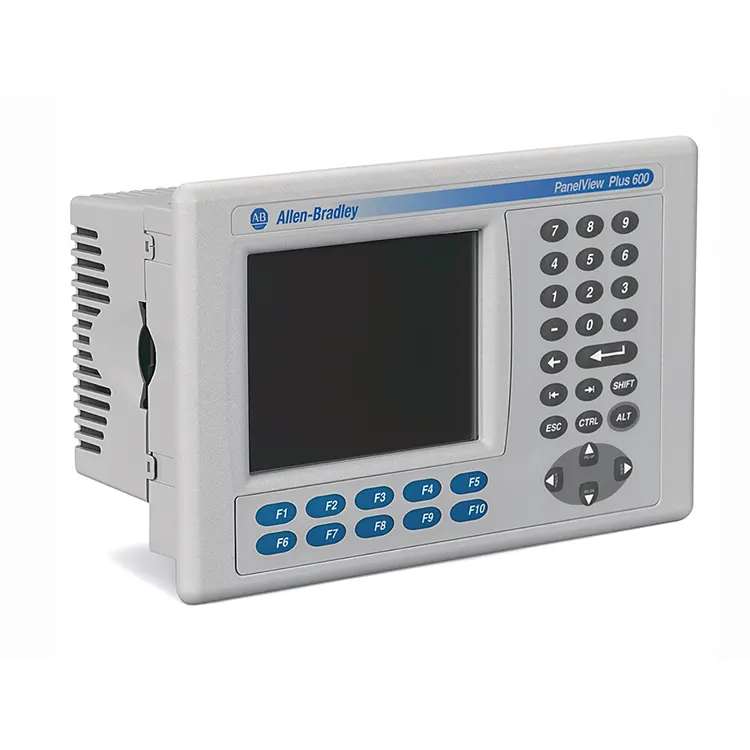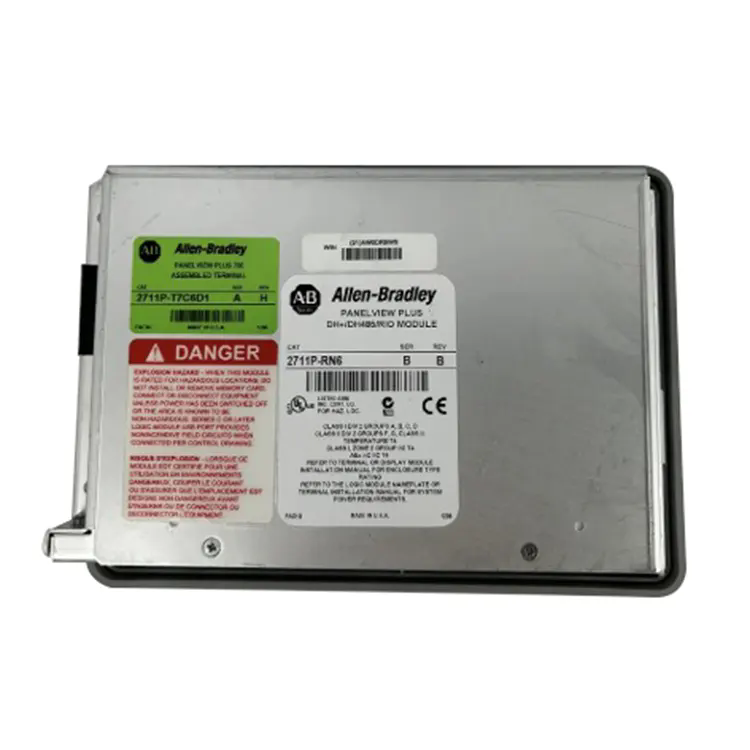
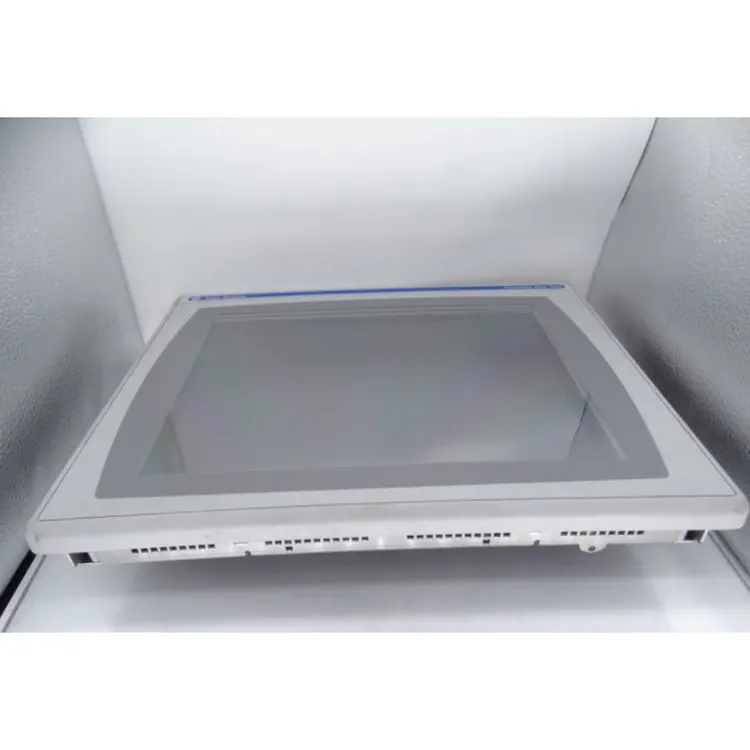
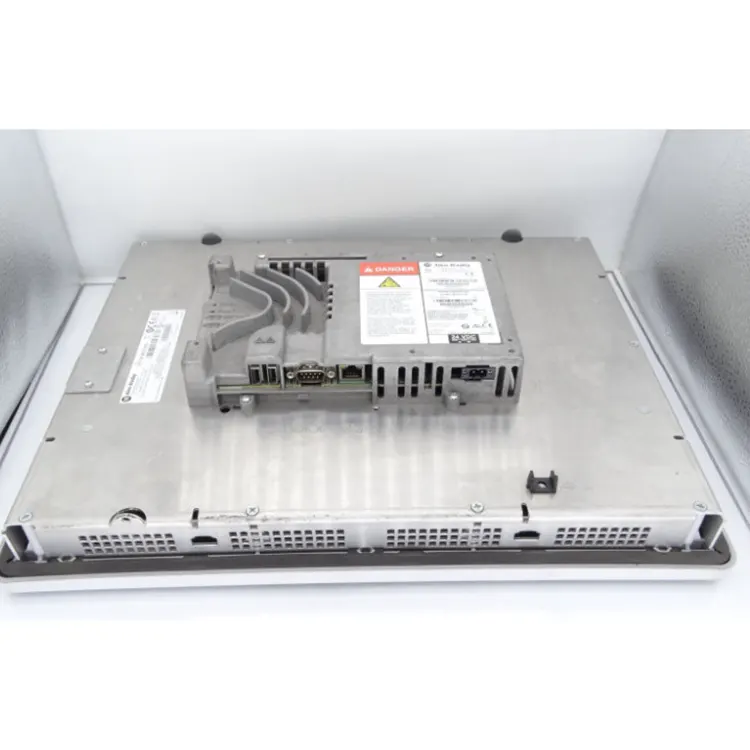
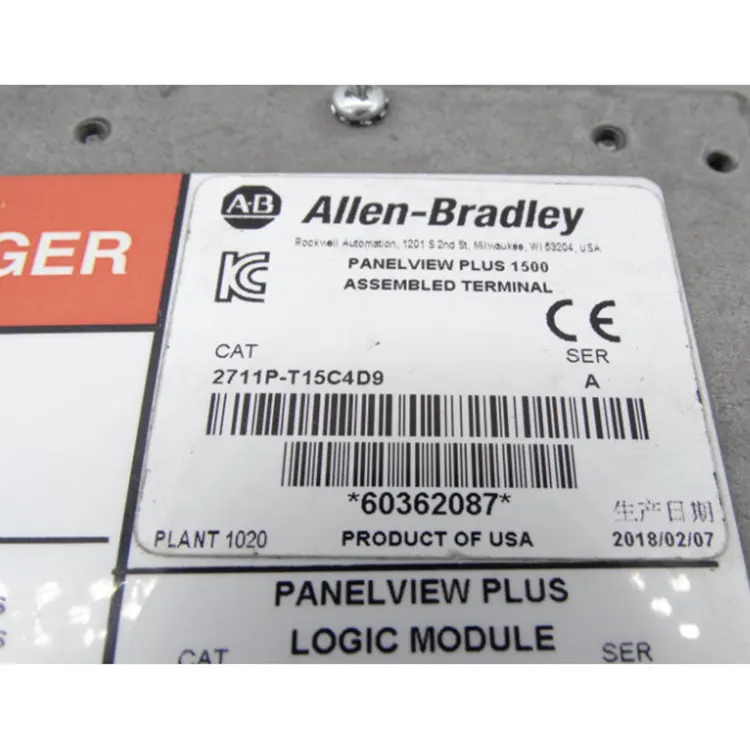
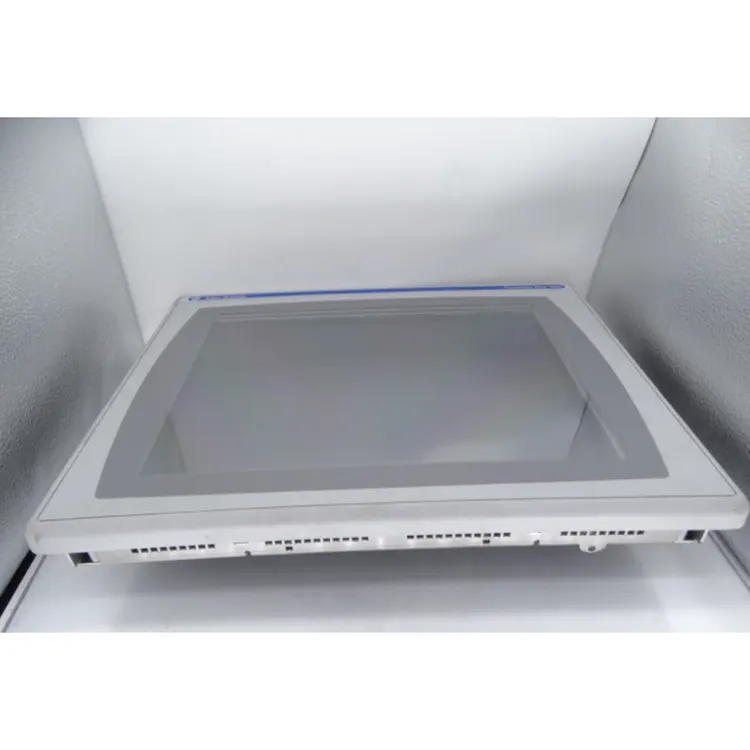
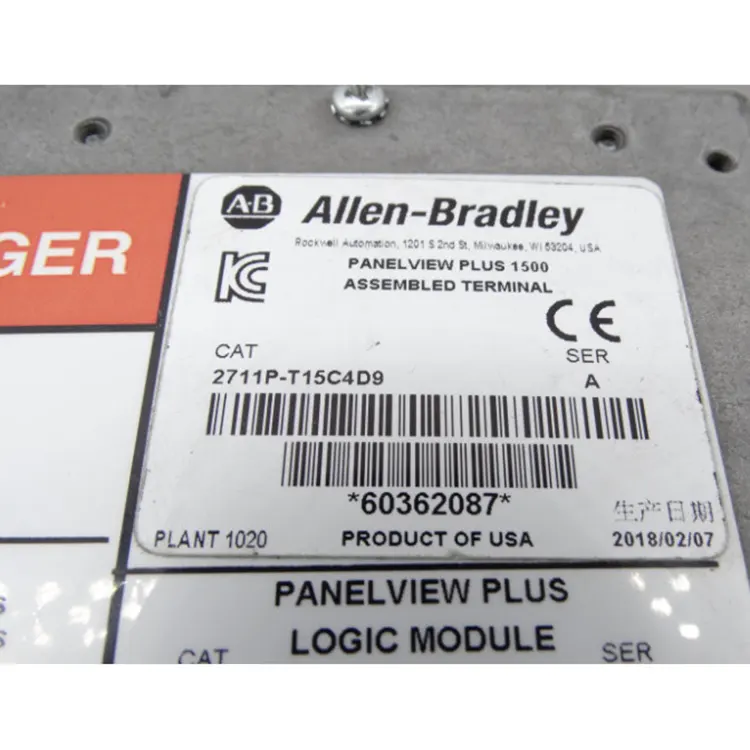
The Allen Bradley 2711P T15C4D9 features an industrial-strength touch panel, supporting offline program backup and remote online operation. It is suitable for harsh workshop environments with dust and vibration. The original factory of this model has stopped production, and problems such as backlight attenuation and touch control failure are prone to occur in the refurbished machines on the market, which affect production monitoring.
As a regular supplier of industrial control, Feimu Technology has carried out full-function aging testing for all equipment to eliminate maintenance defects and ensure the continuous and stable operation of the central control system.
2711P: Terminal of PanelView Plus Series
T: Touch (Touchscreen operation)
15: Display size of 15 inches
C: Color (Color display)
4: DC power version
D9: Ethernet + RS-232 communication configuration
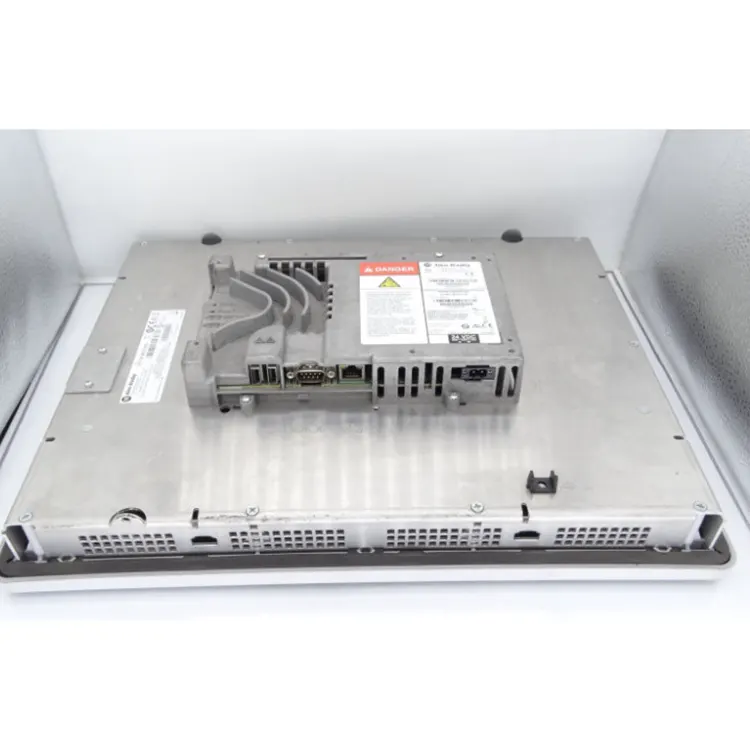
Check for scratches, damages, deformations, or oxidation on the equipment's casing, screen, and interfaces.
Confirm that the brand, model (Allen Bradley 2711P T15C4D9), serial number, and packaging information are consistent.
Connect to the 24V DC power supply and confirm that the device starts normally without black screen, alarm, or abnormal restart.
Check whether the 15 inches color LCD display is clear, no flower screen, window, dark spots and other issues.
Test whether the touch area response is accurate, without drift, malfunction, or dead zone.
Check the Ethernet, RS-232 interface communication function, and confirm the normal connection with PLC.
Check the running state of FactoryTalk View ME, test screen switching, button operation and data interaction.
Run continuously for several hours to confirm stable operation of the equipment without any abnormal faults.
|
Parameters |
Specifications |
|
Resolution |
1024 × 768 pixels |
|
Input Voltage |
18–32V DC (Rated 24V DC) |
|
Communication Interfaces |
Ethernet, RS-232, 2 × USB Host |
|
Communication Protocols |
EtherNet/IP, TCP/IP |
|
Software Platform |
FactoryTalk View Machine Edition |
|
Operating System |
Windows CE 6.0 |
|
Memory |
512 MB RAM + 512 MB Non-Volatile Storage |
|
Backlight |
CCFL, approximately 50,000-hour lifespan |
|
Brightness |
300 cd/m² |
|
Power Consumption |
Maximum 70 W (24V DC, 2.9 A) |
|
Panel Cutout Dimensions |
305 × 391 mm |
|
Overall Dimensions |
330 × 416 × 65 mm |
|
Weight |
Approximately 4.2 kg |
Common causes for Allen Bradley 2711P T15C4D9:
Abnormal touchscreen calibration data;
Touch panel aging;
Screen surface damage;
Internal touch control circuit failure.
Handling Method:
Reset Touch Calibration;
Check touch area response;
Replace the touch component if necessary
Inspection steps
Check that the Ethernet cable is properly connected.
Check HMI IP address and PLC network Settings;
Check FactoryTalk View communication path;
Confirm PLC communication drive configuration is correct;
Test whether the network Ping is working.
Common methods:
Import/Export applications using SD card;
Transfer files using USB storage device;
Download projects through FactoryTalk View Studio.
This model supports file transfer, firmware upgrade and data recording via SD card and USB storage device.
Possible reasons:
There are too many elements in the HMI interface;
The number of animations is excessive;
There is an excessive amount of historical data recorded;
The memory usage is too high.
Solutions:
Optimize the interface;
Reduce dynamic objects;
Clean up historical data;
Check Runtime resources.
The 2711P-T15C4D9 has LED indicators on the front panel. These provide immediate status information without a programming terminal.
|
LED |
Status |
Meaning |
Action |
|
PWR |
Green |
Unit powered and operating normally. |
No action needed. |
|
PWR |
Off |
No power to unit. |
Check 24V DC power. Check wiring and polarity. |
|
COMM |
Green (solid) |
Ethernet/RS-232 communication active. |
No action needed. |
|
COMM |
Green (flashing) |
Data transmission in progress. |
No action needed. Normal operation. |
|
COMM |
Off |
No communication. |
Check cable connection. Verify IP address. Check PLC communication settings. |
|
FAULT |
Red |
Unit fault. Hardware or software error. |
Check configuration. Cycle power. Replace if red remains. |
PWR LED is off but the unit has power: Check the power supply polarity. The 2711P-T15C4D9 requires 24V DC with correct polarity. Incorrect polarity can damage the unit.
COMM LED is off but the PLC is running: Check the Ethernet cable or RS-232 cable. Verify the communication settings in FactoryTalk View Studio match the PLC settings. Check the IP address and subnet mask.
FAULT LED is red: Go online with FactoryTalk View Studio to check the diagnostic log. Common causes include configuration errors, corrupted application files, or hardware faults.
Allen Bradley 2711P-T15C4D9 units are commonly counterfeited or refurbished with inferior components. Use these checks to verify authenticity.
Front panel color: Genuine units use a specific dark gray color consistent with the PanelView Plus family. Counterfeits often have a different shade or glossy finish.
Label quality: Genuine labels have permanent printing with the model number 2711P-T15C4D9 clearly visible. Counterfeit labels often have blurry text or peel at edges.
Screen quality: Genuine 15-inch screens are bright and clear. Refurbished units often have dim CCFL backlights or uneven brightness.
Touch response: Genuine touch screens are responsive and accurate. Counterfeit or aged screens often have dead zones or drift.
Ethernet port: Genuine Ethernet ports have metal shielding. Counterfeits often use plastic ports.
Unit weight: Genuine 2711P-T15C4D9 weighs approximately 4.2 kg. Counterfeits or units with missing components often feel lighter.
If the unit shows a red FAULT LED or the touchscreen does not respond correctly, suspect a counterfeit or refurbished unit. Contact Feimu Technology with photos for verification.
Contact Information
Email: sales@feimutech.com
WhatsApp: +86 13358323579
Website: www.feimuplc.com
Response time: Within 24 hours. Technical questions typically answered within 12 hours.
Address
No. 26, Yuhu Street, Encheng Subdistrict, Enping City, Jiangmen City, Guangdong Province, China
Tel