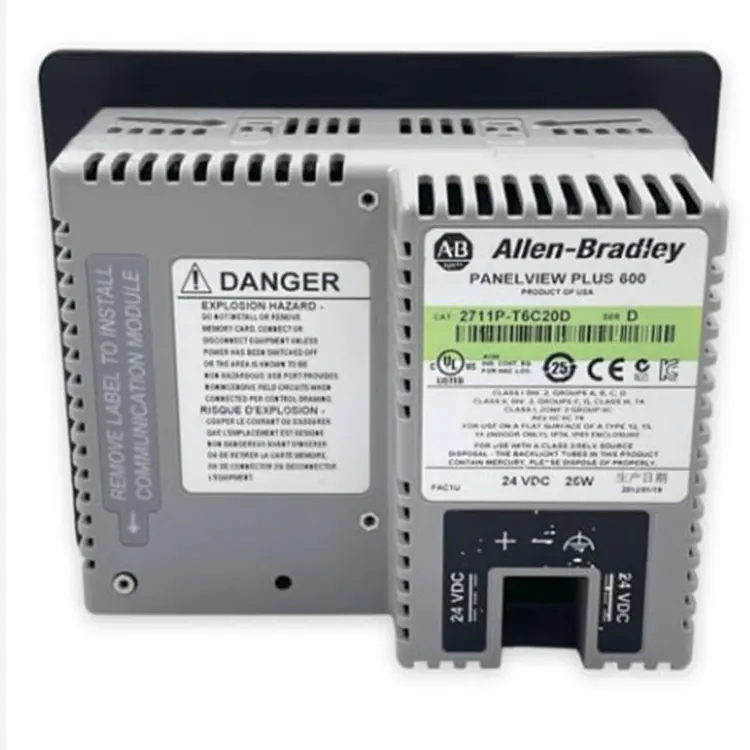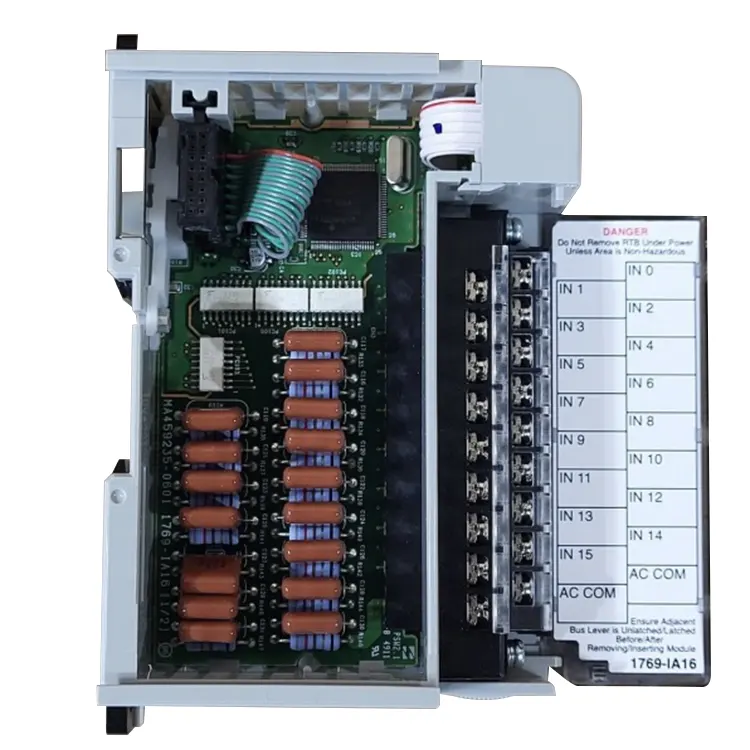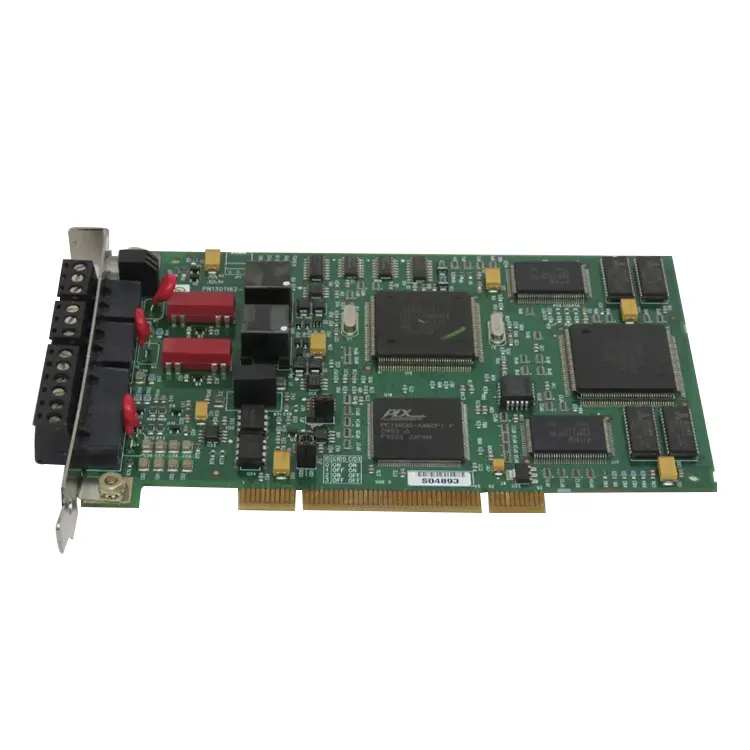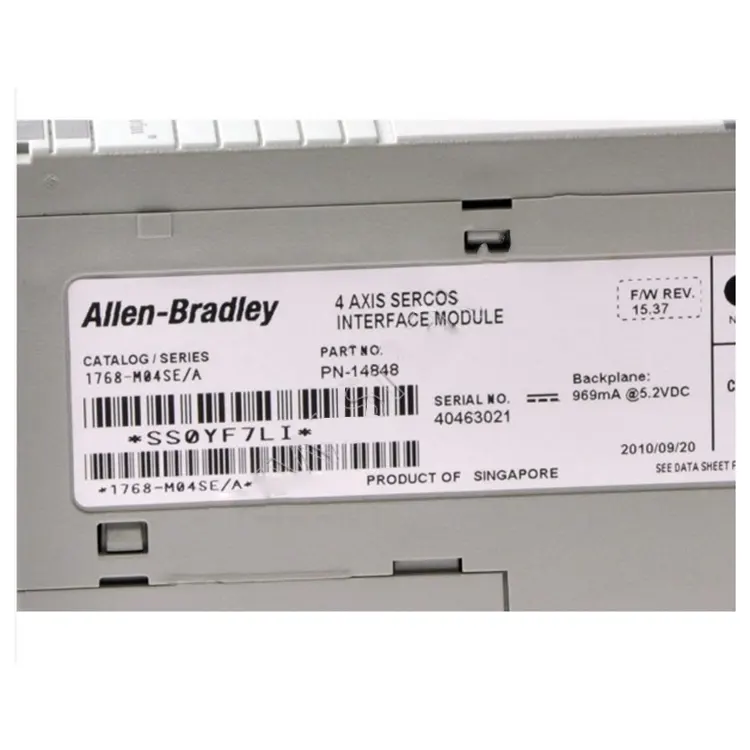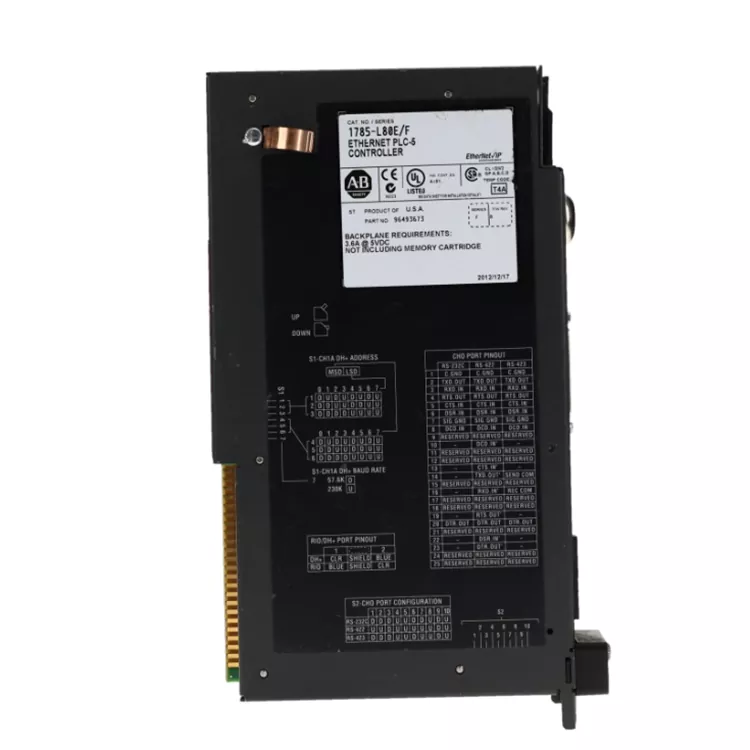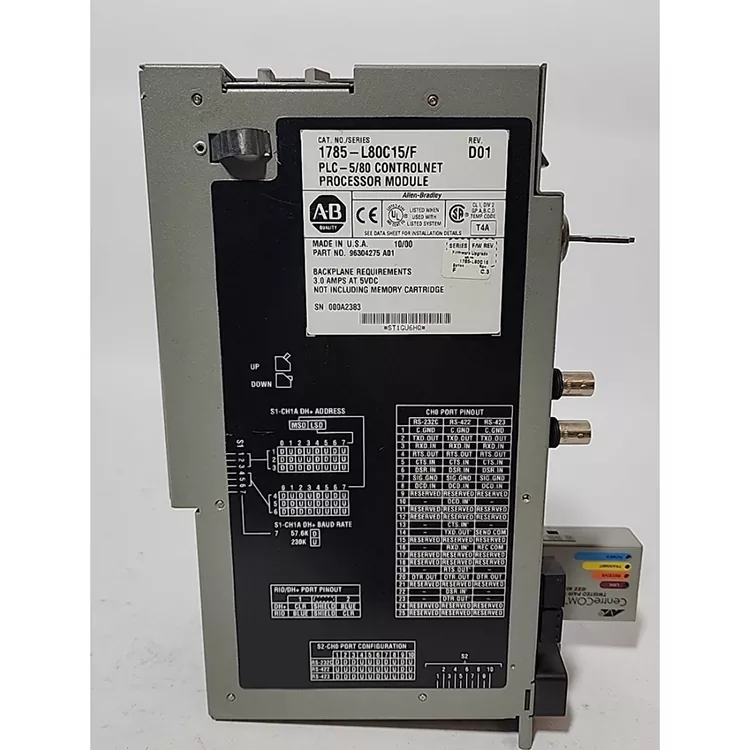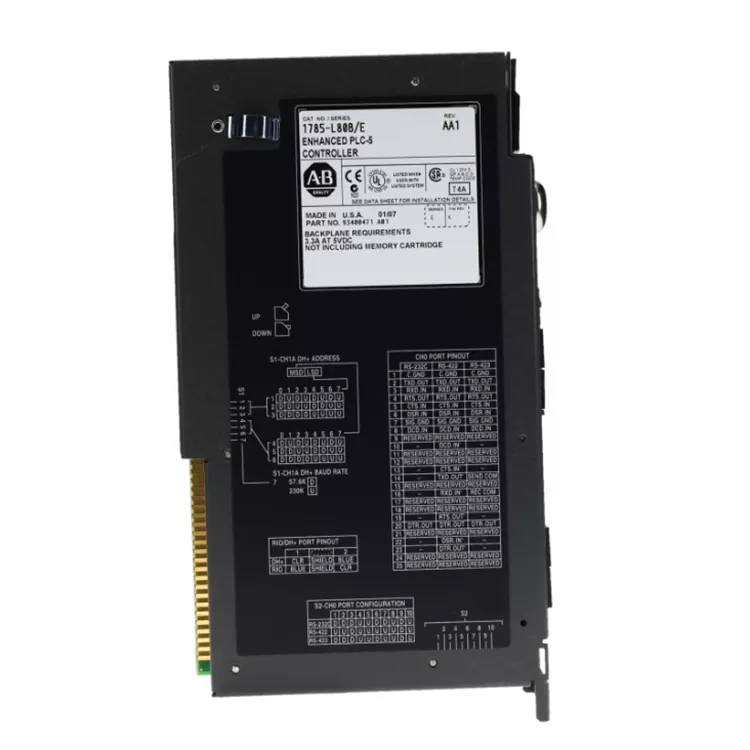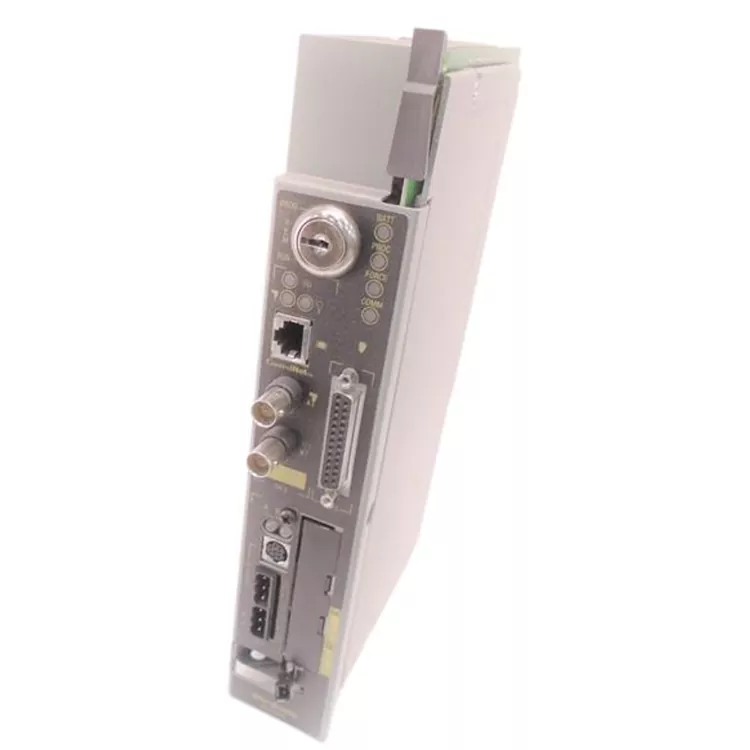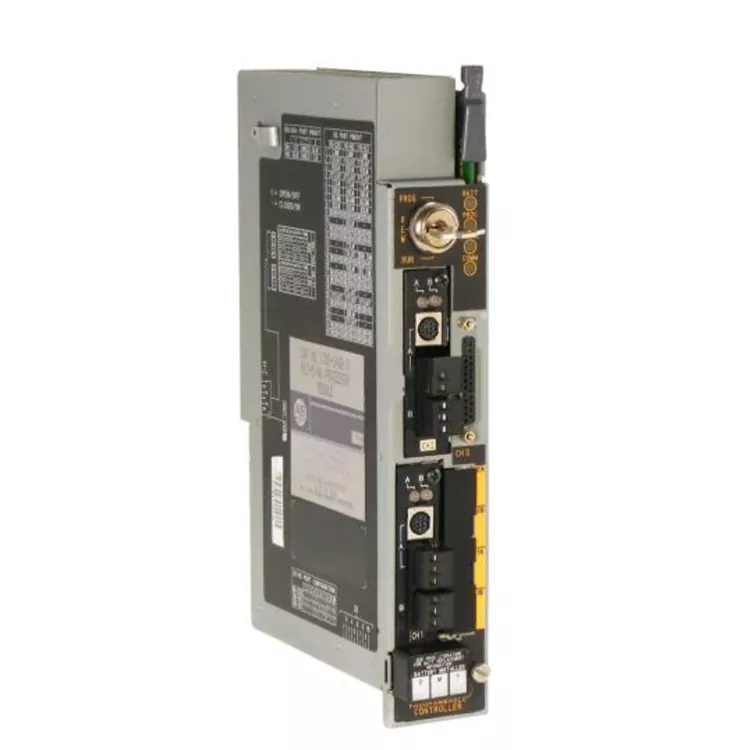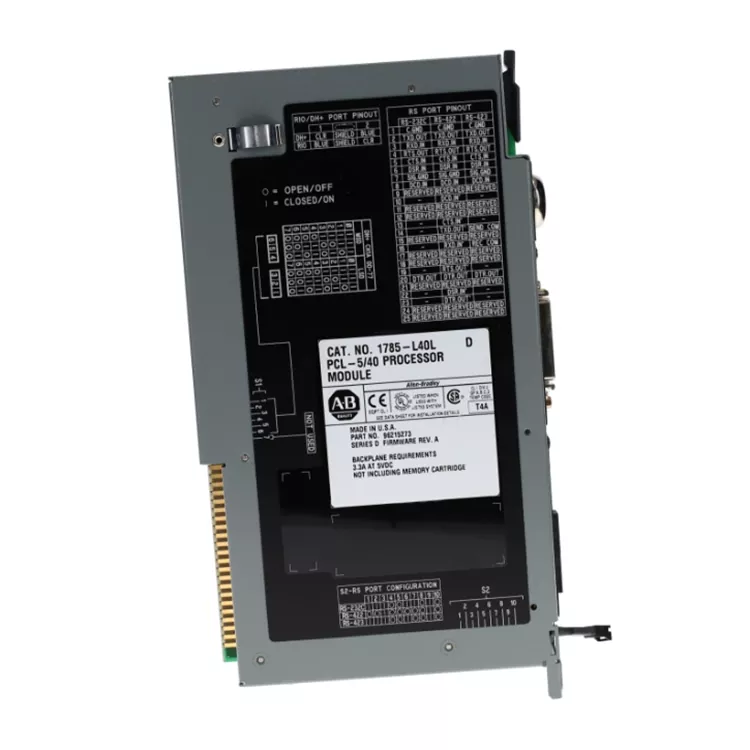

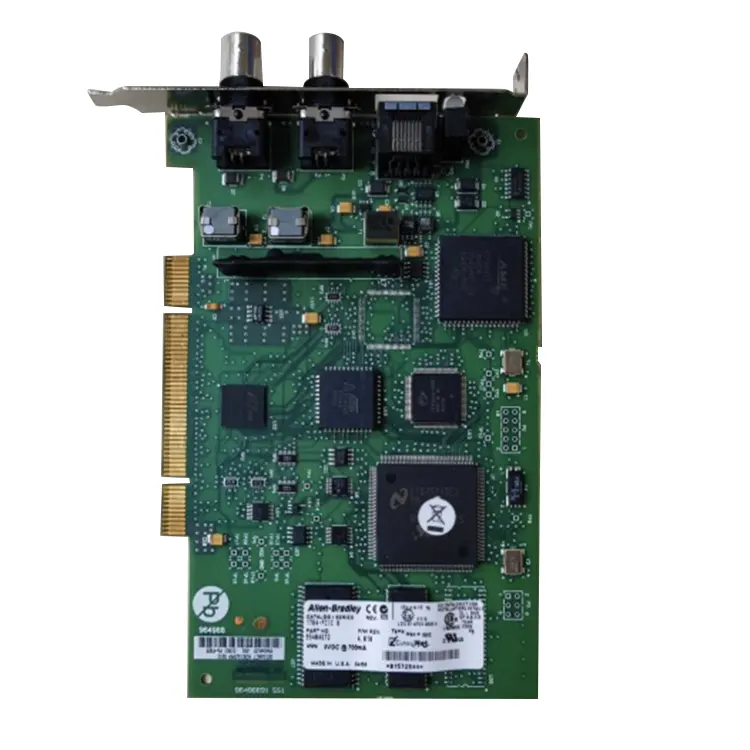
The Allen Bradley 1784-PCIC card provided by Feimu Technology is essentially a PCI network card that can be plugged into a desktop computer or industrial control machine. Its function is to enable your computer to directly communicate with the old control networks of Allen Bradley, such as Data Highway Plus (DH+) or Remote I/O (RIO). Many engineers who are still maintaining the old systems now understand that without this adapter card, it is impossible to connect these old networks using new computers. We have specially stocked this product here to help solve the headache of communication issues between old and new devices.
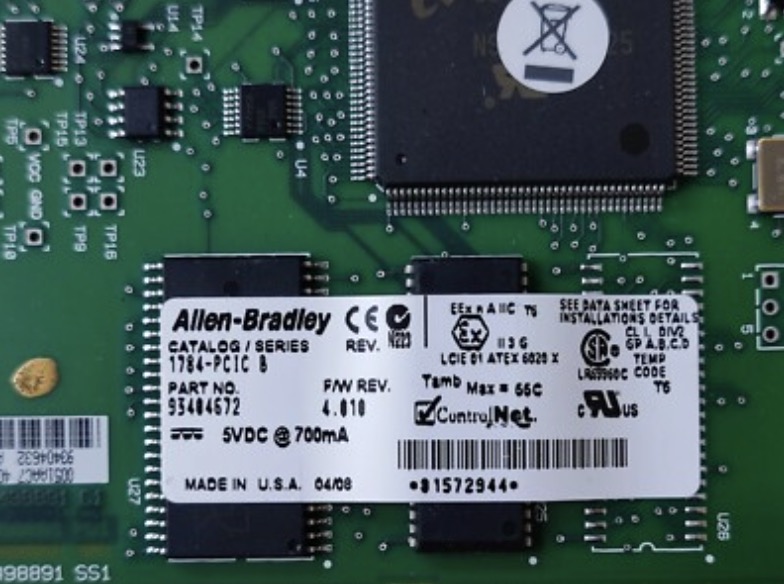
As a PCI card, it directly utilizes the bus resources of the computer to communicate with the PLC, without the need for external protocol conversion like USB converters.
Compared to USB converters that are prone to being unplugged, damaged, or subject to electromagnetic interference, the PCIC card installed inside the chassis receives better physical protection and has a more secure connection.
Supports the allocation of I/O addresses and interrupt requests (IRQ) through jumper settings on the board (hardware configuration) or software configuration.
Perfectly supports Rockwell Automation's RSLinx communication software, which can be automatically recognized and configured as "AB_PCI-1" or similar drivers, enabling easy establishment of communication connections with PLC-5, SLC 500, ControlLogix and other series processors.
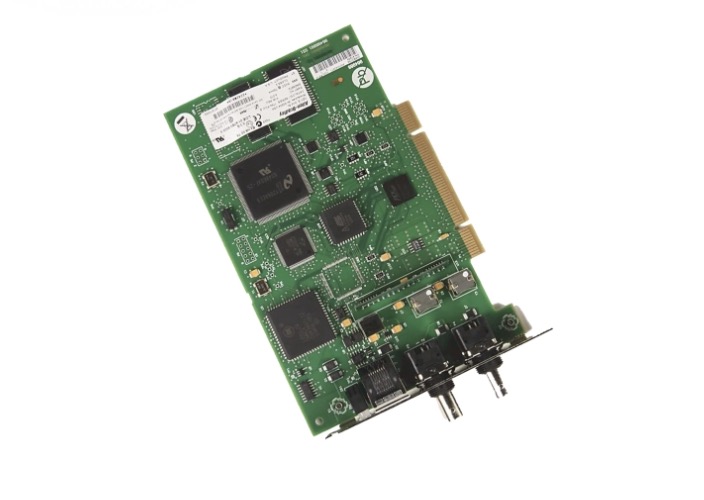
We have obtained numerous international authoritative certifications including CE, UL/cULus and CSA. Compliant with the safety basic standards of the International Electrotechnical Commission (IEC) such as IEC 61010-1, our products ensure that electrical insulation, fire resistance level and electromagnetic compatibility meet strict industrial-grade requirements. We possess the qualification for entry into major global markets such as EAC (Eurasian Economic Union) and RCM (Australia/New Zealand), ensuring stable application for users in complex industrial environments.
The Allen Bradley 1784-PCIC is a PCI communication card for desktop computers. It provides direct connection to Allen Bradley DH+ and Remote I/O networks through a standard PCI slot.
| Parameter | Specification |
|---|---|
| Product Model | Allen Bradley 1784-PCIC |
| Bus Interface | PCI (32-bit, 33MHz) |
| Network Interface | AUI (15-pin D-sub) and BNC |
| Supported Protocols | DH+ (Data Highway Plus), Remote I/O |
| DH+ Transfer Rate | 57.6 kbps |
| Remote I/O Transfer Rate | 57.6 kbps, 115.2 kbps, 230.4 kbps (auto-detect) |
| Configuration Method | Jumper settings (hardware) or software configuration |
| Driver Support | RSLinx (recognized as "AB_PCI-1" driver) |
| Compatible Operating Systems | Windows XP (32-bit), Windows 7 (32-bit) |
| Power Consumption | 5V DC, 1A |
| PCI Compliance | PCI 2.2 or later |
| IRQ Support | Configurable via software or jumpers |
| I/O Address Range | Configurable |
| Operating Temperature | 0°C to 55°C |
| Storage Temperature | -40°C to 85°C |
| Certifications | CE, UL, cUL, CSA, EAC, RCM |
The 1784-PCIC requires both hardware installation and driver configuration. Follow these steps for successful setup.
Hardware installation steps:
Driver installation steps:
Common troubleshooting steps:
The 1784-PCIC has jumper blocks on the card. These set the IRQ and I/O address for hardware configuration mode.
Jumper locations:
Software configuration mode:
Hardware configuration mode:
Default settings (software mode):
The 1784-PCIC is designed for 5V PCI slots. It does not work in 3.3V PCI slots. Check your computer's PCI slot type before ordering.
| Slot Type | Voltage | Compatible with 1784-PCIC | How to Identify |
|---|---|---|---|
| 5V PCI slot | 5V | Yes | Key notch near the rear of the slot |
| 3.3V PCI slot | 3.3V | No | Key notch near the front of the slot |
| Universal PCI slot | 5V and 3.3V | Yes | Key notch in the middle position |
How to identify your PCI slot:
Field issue example: A customer inserted the 1784-PCIC into a 3.3V slot on a newer PC. The system did not recognize the card. Cause: Voltage mismatch. Fix: Moved the card to a 5V PCI slot. The card was recognized immediately.
The 1784-PCIC is designed for older Windows operating systems. Compatibility with newer Windows versions is limited.
| Operating System | Compatibility | RSLinx Version Required | Notes |
|---|---|---|---|
| Windows XP (32-bit) | Full support | 2.50 or later | Recommended OS |
| Windows 7 (32-bit) | Full support | 2.50 or later | May require compatibility mode |
| Windows 7 (64-bit) | Limited support | 3.50 or later | Not recommended. Driver issues common. |
| Windows 8 / 10 / 11 (32-bit) | Limited support | 4.00 or later | Use at your own risk. Not officially supported. |
| Windows 8 / 10 / 11 (64-bit) | Not supported | N/A | Will not work. No 64-bit driver available. |
Recommendation:
The 1784-PCIC has LEDs on the rear bracket. These provide network status information.
| LED | Status | Meaning | Action |
|---|---|---|---|
| POWER | Green (on) | Card has power. PCI bus is providing voltage. | No action needed. |
| POWER | Off | No power to the card. | Check PCI slot. Check computer power. |
| LINK | Green (on) | Network link is active. Cable connected. | No action needed. |
| LINK | Off | No network link. Cable not connected or no network activity. | Check cable connection. Check device on other end. |
| LINK | Flashing | Data transmission active. | No action needed. Normal operation. |
Allen Bradley 1784-PCIC cards are commonly counterfeited. Use these checks to verify authenticity.
If the card is not recognized in RSLinx after correct installation, suspect a counterfeit. Contact Feimu Technology with photos for verification.
Feimu Technology started in Jiangmen, Guangdong in 2005. We supply original Allen Bradley, Siemens, GE, and Schneider components to customers in over 30 countries.
Contact us:
Email: sales@feimutech.com
WhatsApp: +86 13358323579
Website: www.feimuplc.com
Response time: Within 24 hours. Technical questions typically answered within 12 hours.
Address
No. 26, Yuhu Street, Encheng Subdistrict, Enping City, Jiangmen City, Guangdong Province, China
Tel