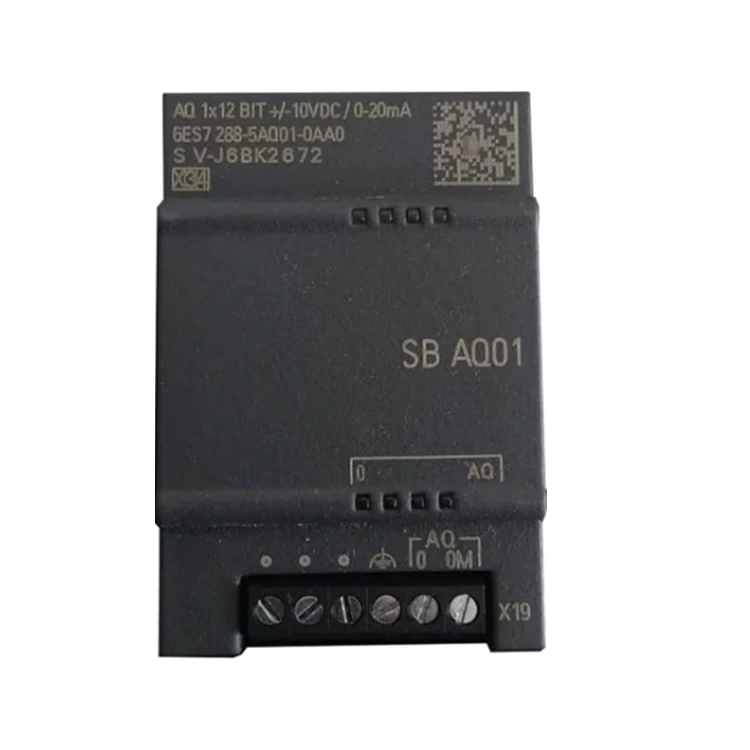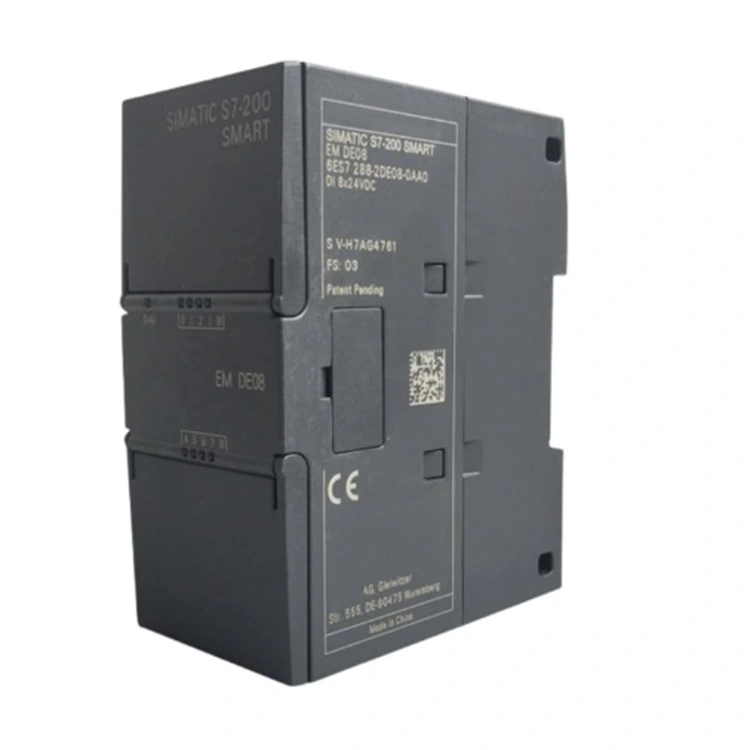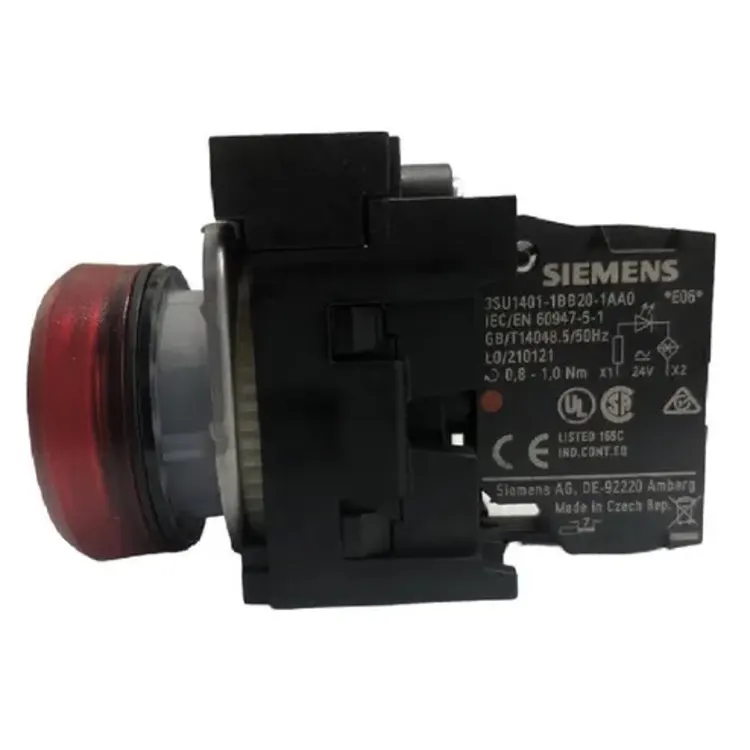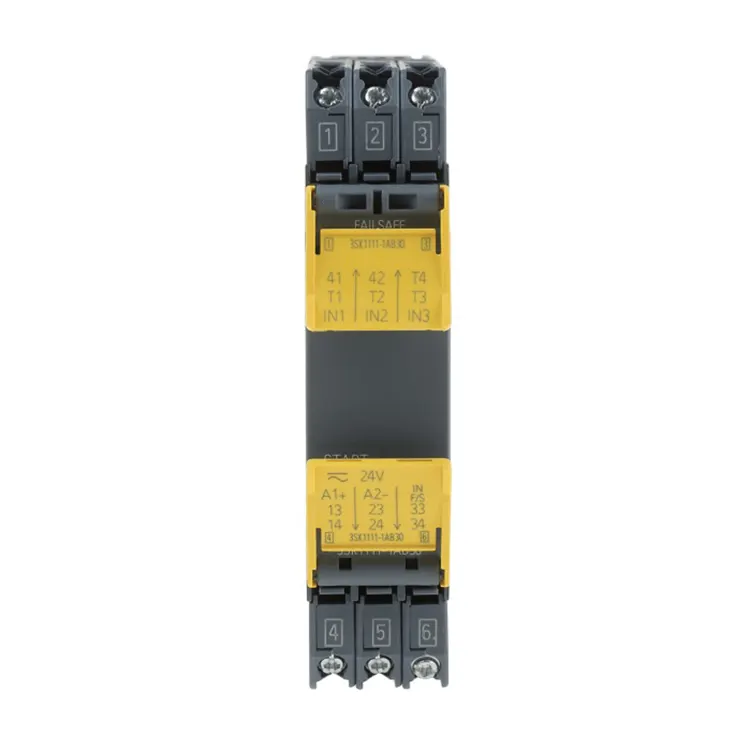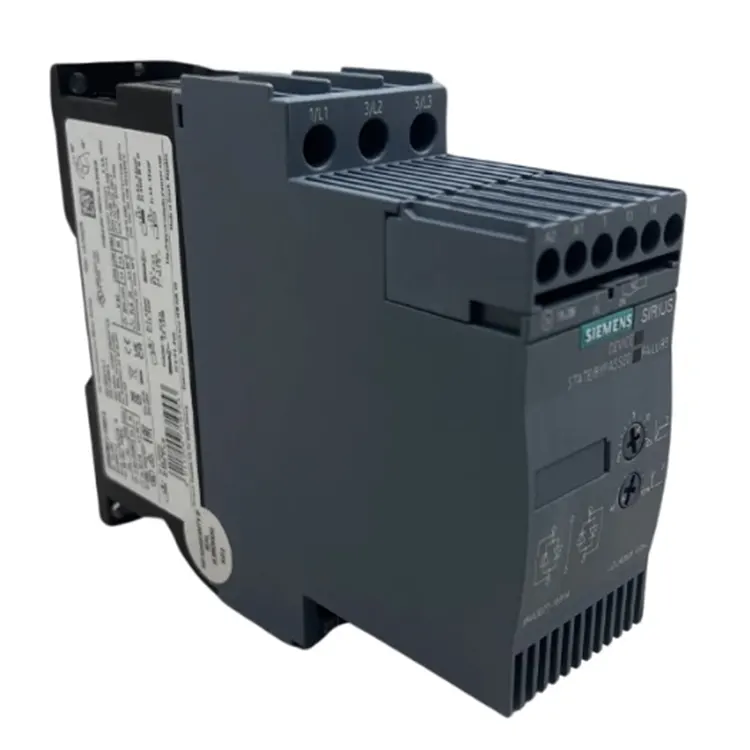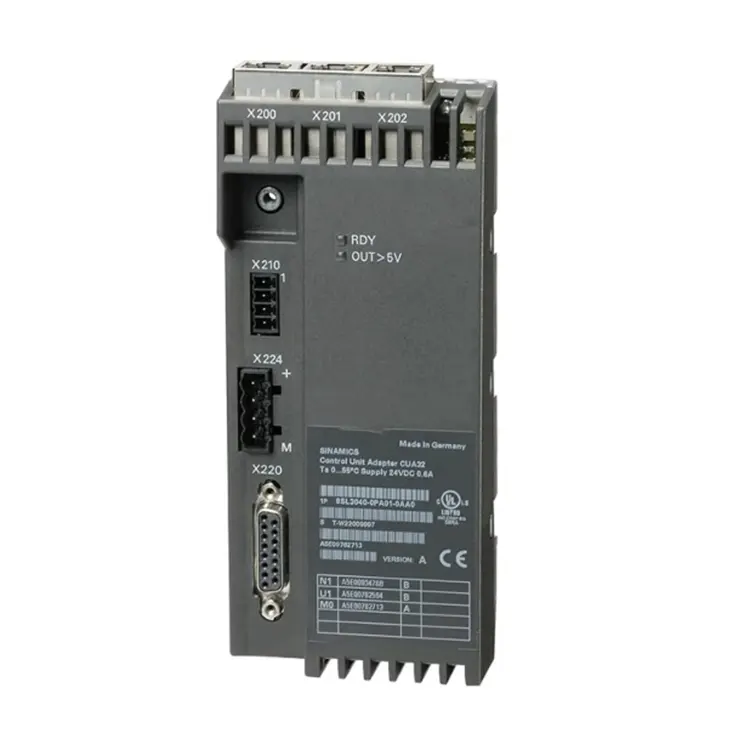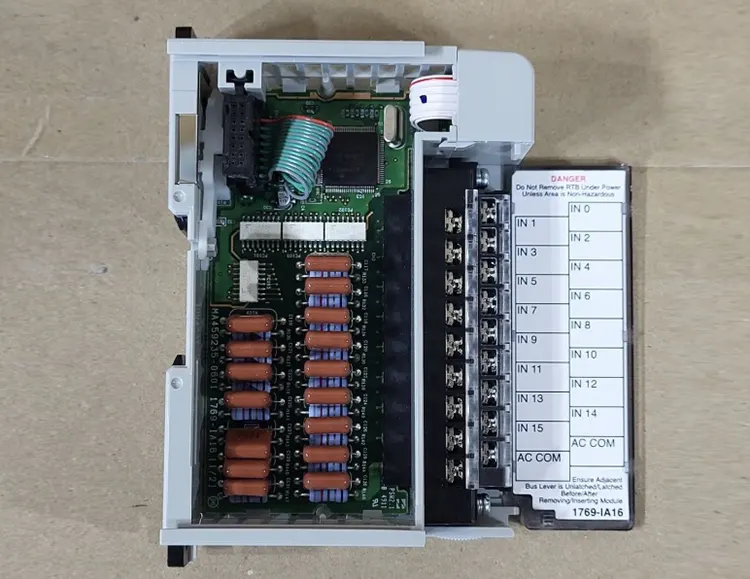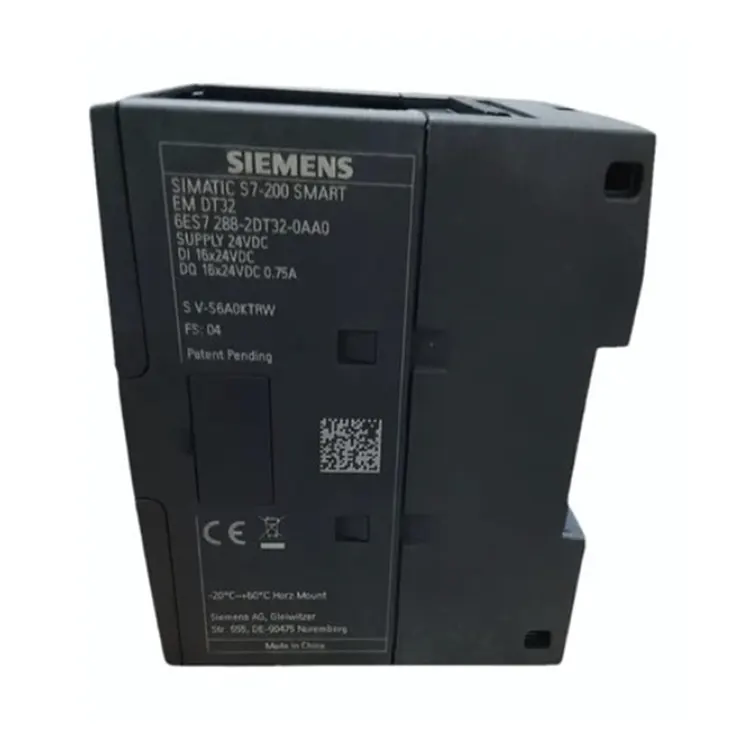
The MT-S7/200 is a dedicated tool for the Siemens S7-200 series. It supports the following functions. Each function is accessible through a dedicated button on the front panel.
Function list:
Diagnostic mode: Connects to the CPU and reads the fault buffer. Displays fault codes and descriptions. Identifies whether the issue is hardware-related (bad power supply, defective output) or software-related (program corruption, data loss).
Memory reset mode: Clears the program memory and data memory. This returns the CPU to factory state. Useful when the program is corrupted and cannot be deleted through standard software.
Program backup mode: Reads the current program from the CPU. Saves it to internal memory. Allows transfer to another CPU of the same model.
Program restore mode: Loads a previously saved program from the internal memory into a new CPU. This enables quick replacement of failed CPUs without using a PC.
CPU identification mode: Reads the CPU model, firmware version, and hardware revision. Confirms compatibility before performing other operations.
Each mode is selected by pressing the corresponding button. The LED indicators show the current status and progress. No PC connection is required for basic operations.
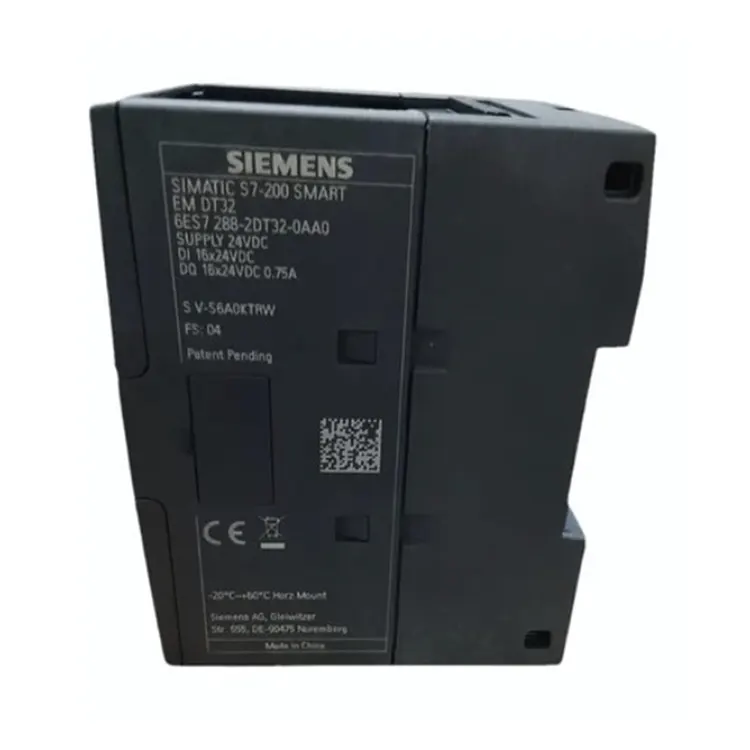
Siemens MT-S7/200 is not like those general-purpose multimeters; instead, it is specifically designed for the S7-200 series. The design is very compact, and the casing is usually made of durable industrial-grade plastic. It feels very textured in your hand and doesn't take up much space when placed in a tool bag. The most noticeable feature is the indicator lights and function buttons on it.
The layout is particularly clear, with each button corresponding to a specific operation mode. You don't need to flip through complex manuals; just glance at the panel and you'll know how to use it. It is usually equipped with dedicated connection cables, and the connectors are well-made. When plugging and unplugging, the tight feeling gives you the impression that the signal transmission is definitely reliable, exuding a sense of professionalism of a high-quality tool.
MT-S7/200 integrates a highly integrated microprocessor and stable storage chips. Its core logic circuit has been specially optimized to communicate directly with the CPU of Siemens S7-200 at the lowest level, bypassing certain limitations of the operating system and allowing direct access to memory areas. The layout of the circuit board is very neat and the workmanship is very fine, which is to ensure no errors occur during data transmission. The design of the casing takes into account the on-site environment, featuring certain shock resistance and anti-slip features. It is not likely to slip when held and operated, and is very durable.
|
Equipment Model |
Siemens MT-S7/200 |
|
Shell Material |
Industrial Aluminum Profiles / High-strength ABS Plastic Panels |
|
Overall Weight |
Approximately 15 - 20 kilograms (depending on specific configuration) |
|
Operating Environment |
Temperature -10°C to 45°C, Humidity <85% |
|
Installation Method |
Desktop Placement / Wall-mounted Installation (optional) |
|
Power Input |
Single-phase Three-wire AC 220V ±10% |
|
Safety Features |
Leakage Protection, Short Circuit Protection, Overcurrent Protection |
|
Color |
Industrial Gray / Light Gray (standard industrial color scheme) |
Our technical experts are all seasoned professionals who have been working with the Siemens PLC system for many years. They have a thorough understanding of the usage techniques of this tool and the handling methods for different fault codes. If you encounter a situation where the tool fails to connect to the CPU or you are unsure about how to operate it, just inform our technicians and they will immediately provide you with guidance, telling you which keys to press and how to set the parameters. This hands-on technical support can save you a lot of time spent on trial and error in the field.
The MT-S7/200 is a dedicated tool for the Siemens S7-200 series. It supports the following functions. Each function is accessible through a dedicated button on the front panel.
Each mode is selected by pressing the corresponding button. The LED indicators show the current status and progress. No PC connection is required for basic operations.
Using the MT-S7/200 does not require a PC or any software installation. Follow these steps to perform common tasks.
Connection steps:
To read fault codes:
To reset memory:
To backup a program:
To restore a program to a new CPU:
Typical field scenario: A customer had a CPU 224 that showed red fault light. The program was still running but the CPU would not go online with the PC. Using the MT-S7/200 diagnostic mode, fault code 03 was displayed (program corrupted). The memory reset function cleared the corrupted area. The customer restored a backup program from the tool. The CPU was back online in 15 minutes.
The Siemens MT-S7/200 is compatible with all CPU models in the S7-200 series. However, different CPUs have different memory sizes and feature sets. This table shows compatibility.
| CPU Model | Memory Reset | Program Backup | Program Restore | Diagnostic Mode |
|---|---|---|---|---|
| CPU 221 (DC/DC/DC) | Yes | Yes | Yes | Yes |
| CPU 221 (AC/DC/RLY) | Yes | Yes | Yes | Yes |
| CPU 222 | Yes | Yes | Yes | Yes |
| CPU 224 | Yes | Yes | Yes | Yes |
| CPU 224XP | Yes | Yes | Yes | Yes |
| CPU 226 | Yes | Yes | Yes | Yes |
| CPU 226XM | Yes | Limited | Limited | Yes |
Memory limitations for 226XM: The 226XM model has expanded memory. The MT-S7/200 can still backup and restore programs, but programs larger than 8KB must be verified after restore.
Note: The MT-S7/200 is not compatible with S7-1200, S7-300, S7-400, S7-1500, or LOGO! series. It is a dedicated tool for S7-200 only.
When ordering, confirm your CPU model. The tool supports all S7-200 variants listed above.
The MT-S7/200 displays fault codes in diagnostic mode. Use this table to interpret common codes quickly.
| Code | Meaning | Recommended Action |
|---|---|---|
| 00 | No fault | System normal. No action needed. |
| 01 | Watchdog fault | CPU reset. Reload program. |
| 02 | Battery low | Replace battery. Reprogram if memory lost. |
| 03 | Program corrupted | Clear memory. Restore from backup. |
| 04 | Hardware configuration mismatch | Check I/O modules. Verify configuration. |
| 05 | I/O fault | Check field wiring. Check module status. |
| 06 | Communication timeout | Check cable connection. Verify CPU is powered. |
| 07 | Memory error | Run memory reset. Retry program load. |
| 08 | CPU hardware fault | CPU may need replacement. Contact Feimu. |
| 09 | Firmware version unsupported | Tool firmware too old. Contact Feimu for update. |
| 10 | Program too large | Backup/restore not possible. Use PC software. |
In case of codes 08 or 10, the MT-S7/200 cannot resolve the issue. Contact Feimu Technology with the code and CPU model. We can advise on the next steps.
When troubleshooting an S7-200 CPU, maintenance engineers have three options. This comparison shows why the MT-S7/200 is often the best choice for field use.
| Comparison | MT-S7/200 | PC + PPI Cable (MicroWIN) | Replacement CPU + Lab PC |
|---|---|---|---|
| Required equipment | Tool only | Laptop + software + cable | PC + software + new CPU |
| Set up time | 0 minutes (no software install) | 10-30 minutes | 30-60 minutes |
| Portability | Yes (fits in tool bag) | Partial (laptop needed) | No (needs PC station) |
| Can diagnose without PC | Yes | No | No |
| Can backup/restore program | Yes | Yes | No (new CPU empty) |
| Works in dusty/wet area | Yes (rugged design) | No (laptop sensitive) | No (PC sensitive) |
| Learning curve | 10 minutes | 2-3 hours | 2-3 hours |
| Battery operation | Yes | No | No |
| Cost | One-time tool cost | Existing PC + software license | PC + software + new CPU |
The MT-S7/200 is not meant to replace the PC-based MicroWIN software for full development work. It is meant for field troubleshooting, emergency recovery, and quick processor replacement. For these tasks, it is faster and more practical than setting up a laptop at the machine.
Many customers buy one MT-S7/200 per maintenance team. They use it for all field service calls. One tool serves the whole facility.
The Siemens MT-S7/200 is a specialized tool. Counterfeit versions are available on the market. These copy the appearance but fail on performance. Use these checks to verify authenticity.
If the tool does not connect to a known working CPU or displays random fault codes, suspect counterfeit. Contact Feimu Technology with photos for verification.
Feimu Technology operates from Jiangmen City, Guangdong Province, China. The company was founded in 2005 and has supplied automation components to customers in over 30 countries.
Contact information:
Email: sales@feimutech.com
WhatsApp: +86 13358323579
Response time: Within 24 hours. Technical questions typically answered within 12 hours. Include tool serial number and CPU model when contacting.
Address
No. 26, Yuhu Street, Encheng Subdistrict, Enping City, Jiangmen City, Guangdong Province, China
Tel